Disable Autoplay Videos In Edge Browser

The most Frustrating thing about the Internet nowadays is that the auto-playing videos. Facebook, Instagram all are using auto-play video options so that users can see videos but it is annoying. There are many promotional videos on the webpage. These videos just begin automatically, and …

Continue Reading

Change Default Account Picture in Windows 10

By default, Windows 10 assigns a default consumer avatar for every single user accounts using a grey background. It is possible to substitute this dull image with another picture, so new reports will have it implemented by default. This is how to alter the default …

Continue Reading

How to Change Text Size In Windows 10

Windows 10 is an amazing Operating system for personal computers. In Windows 10, all icons and text size are not always perfect. There’s a handy new menu for adjusting the size of your display’s contents, which you can use to create everything larger or smaller …

Continue Reading

Adjust Screen Brightness In Windows 10

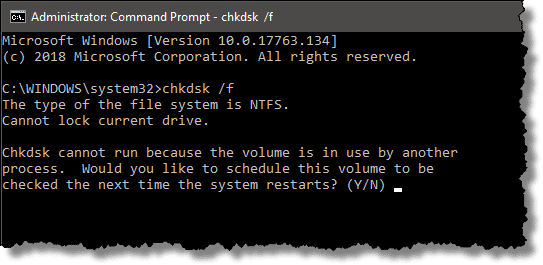
CHKDSK

If you are using Windows 10 on Laptops, then you must be wondering how to control Brightness in Windows 10. After the new Windows update, some users are facing Windows 10 Brightness Control Not Working. Users can not control brightness on their Windows laptops. Here …

Continue Reading

Fix Windows 10 Start Button Not Working

Windows, being a highly reliable brand, has always been the first choice of the users when it comes to the selection of an effective and easy to go operating system for their personal computers. Windows 10 is one of the most popular OS among the …

Continue Reading

How to Install USB 3.0 Drivers in Windows 10

The USB 3.0 drivers come built-in with Windows 10. It is integrated with USB 3.0 on the motherboard. Due to this reason, you can use the various USB devices through USB 3.0 ports without installation of drivers. As a result, many manufacturers haven’t updated the …

Continue Reading