Apple Music is a good competitor to the ever so popular Spotify. It looks very promising with a lot of songs and features, but you should always try out the free trial before spending your hard-earned cash on something. In this guide, I am going to tell you all you need to know about Apple Music free trial.
I am going to go over the features of Apple Music and tell you how you can avail the free trial. Then, I am also going to cover the cancellation steps if you don’t find it worthy of your money. Let’s get started.
What Is Apple Music?
As the name would suggest, Apple Music is an online music streaming platform. It was launched as an alternative to Spotify and other music streaming apps. Apple Music consists of 70-million songs that are ad-free.
You can also download these songs and play them offline across all of your devices. Apple Music also offers exclusive playlists and stations based on your choice of music.
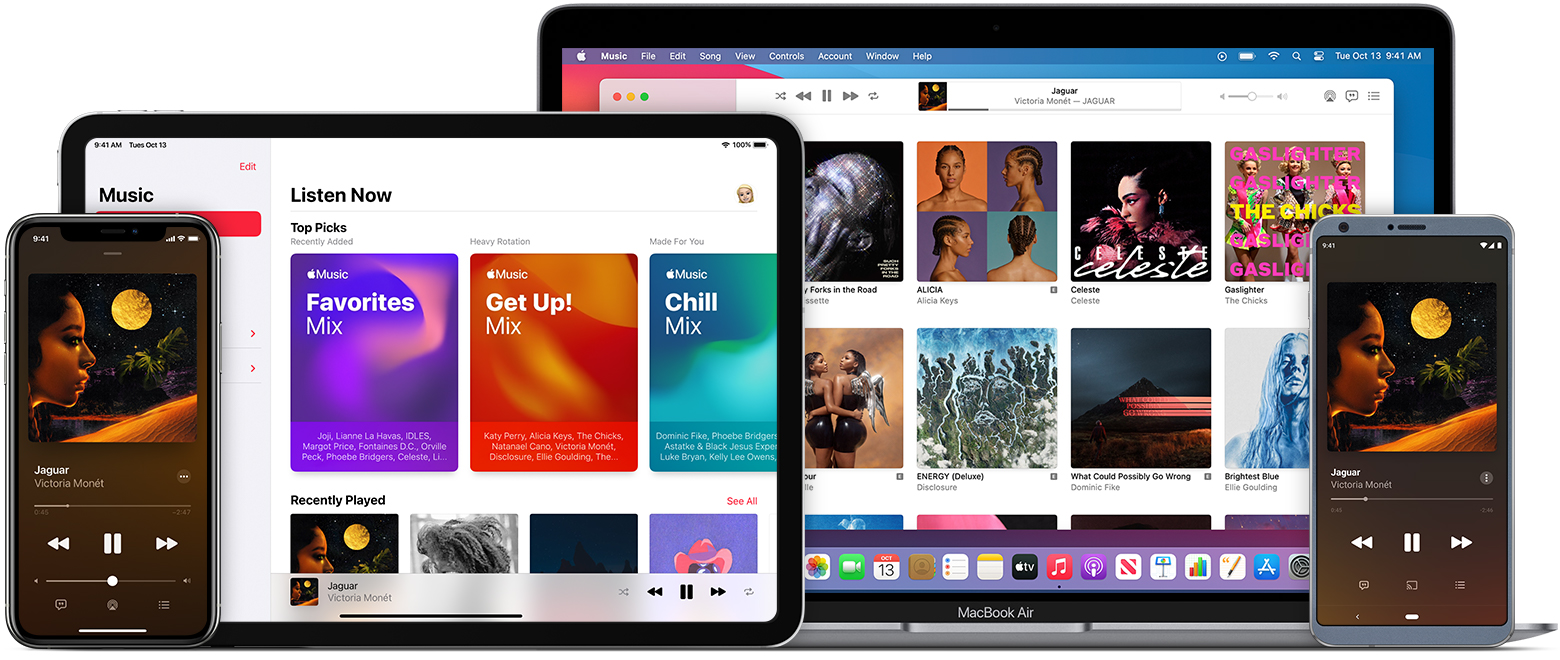
Apple Music costs $9.99 a month for individual users while students can get it for $4.99 a month with all of the same benefits. If you want to share it with your family, you can get the $14.99 a month plan.
How to Get Apple Music Free Trial?
As I mentioned earlier before, you should check out the trial version before purchasing any subscription. While you can always apply for the 3 month trial period from the official website, there is a way to get an extra month of Apple Music for free.

1. BestBuy Promotional Offer (4-months Apple Music Free Trial)
BestBuy is currently running a promotional offer on Apple Music. This is for new subscribers and you will be able to get a 4-month free trial.
- Click on this BestBuy link for Apple Music.
- Log in to your BestBuy account or create one if you do not have one.
- Click on Add to Cart and then click Go to Cart.

- Complete your purchase and the Promo code will be sent to your email account. The instructions to redeem the code will be given in the email as well.
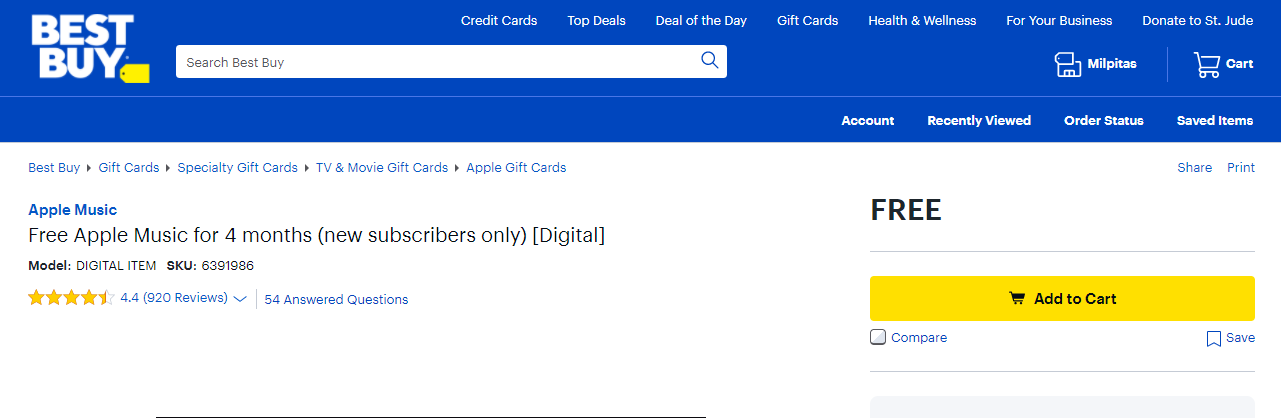
The page states that this offers is only for newcomers, but some users claim that you can still use this code even if you are not a new user. However, you can only use this code once.
Some other newcomers have stated that you will get only a month of free trial with this method. This is caused due to an error on BestBuy’s part and you can get the 4-month free trial code if you call and inform the BestBuy customer service.
2. The Apple Music Website
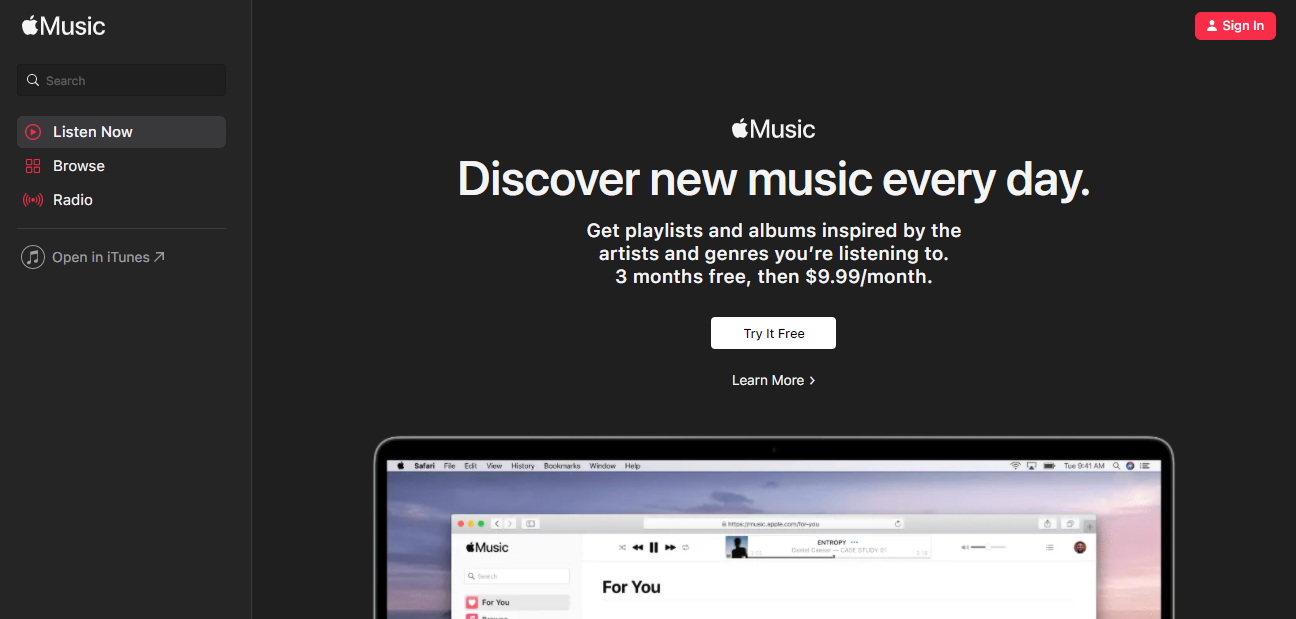
If you cannot get the BestBuy offer for any reason, then the Apple Music website is the next best thing. You can get the 3- month free trial with this method. Just follow these simple instructions:
- Go to the Apple Music website or open the Music app on your Apple device.
- If you are a first-time user, you will be able to see the Try It Free button.

- Click that button and Apple will ask you to sign in with your Apple ID if you are not already logged in. If you do not have an AppleID, you can easily create a new one.
- Enter the two-step verification code if asked and select the plan you want.
- Add your payment details.
- After adding your payment details and confirming, you will get access to 3 months of free Apple Music.
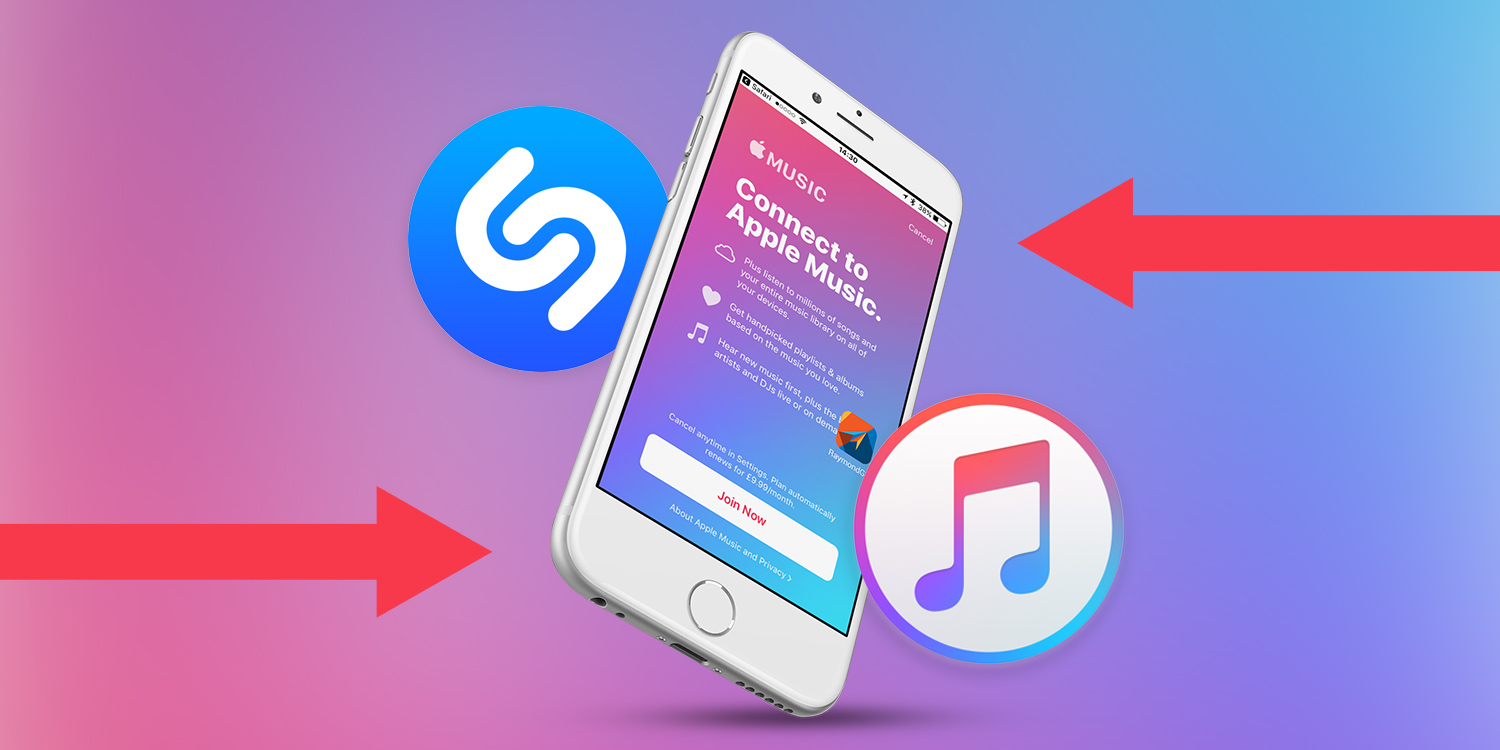
Outdated: 6 Month Apple Music Trial Using Shazam
A lot of articles talk about Shazam and its 6-month free trial. While this would be great, Shazam has discontinued this offer since Jan 7, 2021, and you will not be able to get the 6-month free trial. There are no mentions of this offer on their app page anymore either.
How to Cancel Apple Music Subscription?
After the Apple Music free trial ends, Apple will charge you based on the plan you chose. If you want to avoid these charges, then you have to cancel your Apple subscription before the free trial ends. To do so, follow these steps:
1. On an iPhone, iPad, or iPod Touch
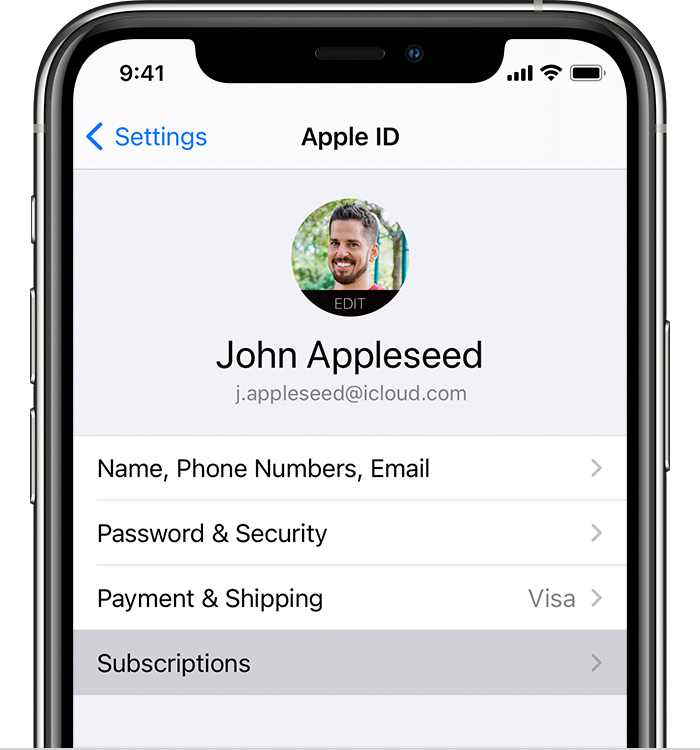
- Open up Settings.
- Tap the profile and then tap Subscriptions.

- Tap on Apple Music and hit Cancel Subscription.
- Confirm and cancel your subscription.
2. On Mac
- Launch App Store.
- Click on your profile at the bottom of the sidebar.
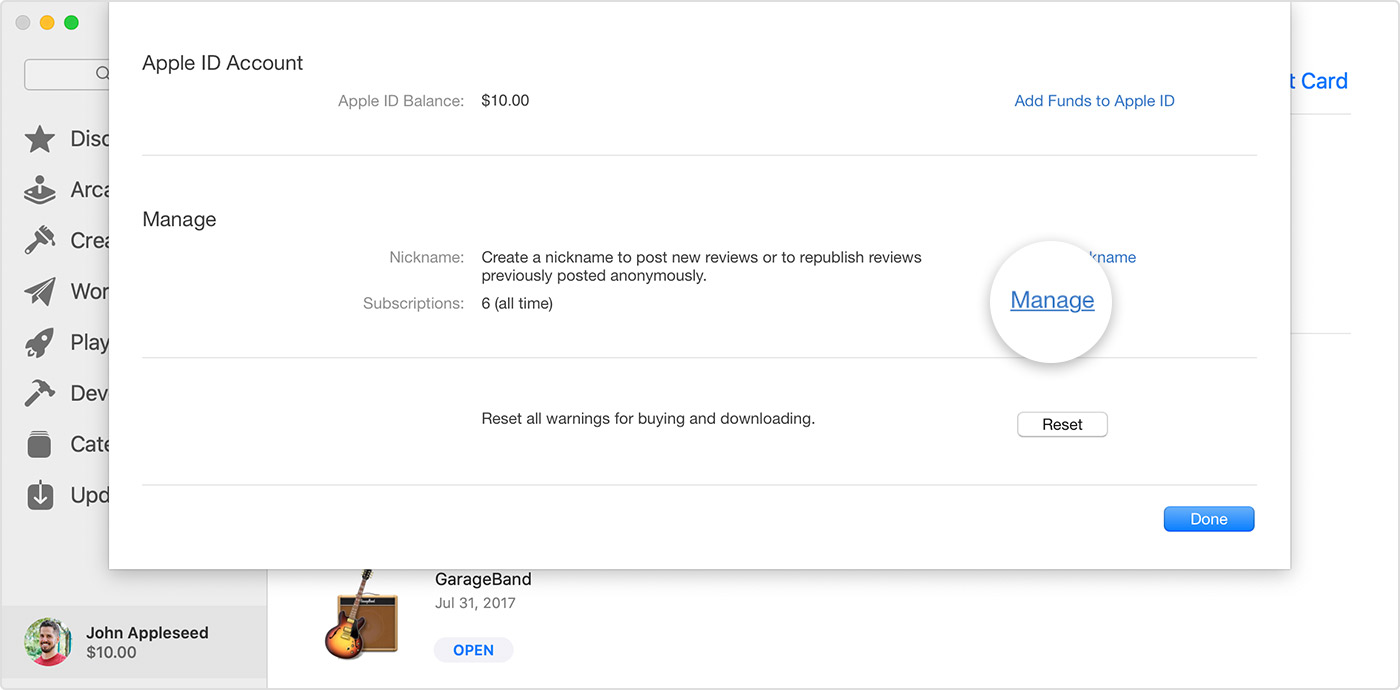
- Click View Information and scroll down to find subscriptions.
- Select Manage and click Edit next to Apple Music.

- Select Cancel Subscription and confirm.
Final Take
You now know how to get the Apple Music free trial and cancel it. This is a great way to test out a service without spending your money. You will be able to find new playlists, artists, and genres through Apple Music and you can stick with it if you like it after the trial period ends. If you have any doubts, let me know in the comments section down below and I will get back to you shortly.